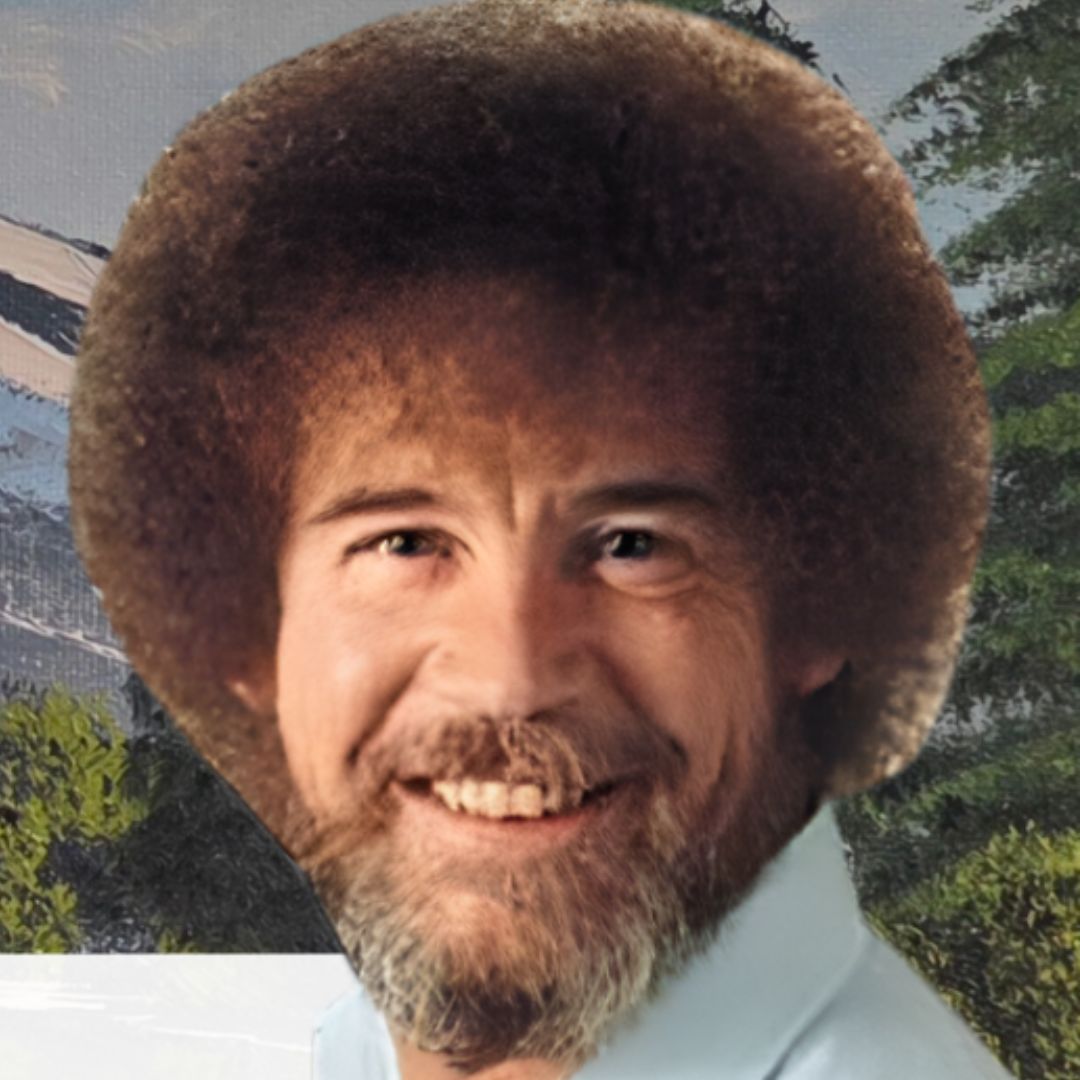

March is New York State Youth Art Month! WMHT Public Media will be celebrating local art teachers and students by displaying art made by students in grades 5-8 throughout the month!
Questions? Reach out to Mara Drogan (she/hers), Director of Community Engagement & Education at mdrogan@wmht.org.
How to Navigate the Slideshow
1. Navigate Between Slides
- Hover your mouse over the bottom portion of the slideshow to reveal the navigation controls.
- Use the left (◀️) and right (▶️) arrows to manually go forward or backward through the slides.
- On some devices, you can also use arrow keys on your keyboard to move between slides.
2. Full-Screen Mode
- Click the Full-Screen (⛶ or 🔲) button, usually found in the bottom-right corner of the embed, for a larger view.
- To exit full-screen mode, press Esc on your keyboard or click the Exit Full-Screen button.
3. Troubleshooting Tips
- If the slideshow doesn’t load, try refreshing the page.
- If you’re experiencing lag, try using a different browser (Chrome, Firefox, or Edge).